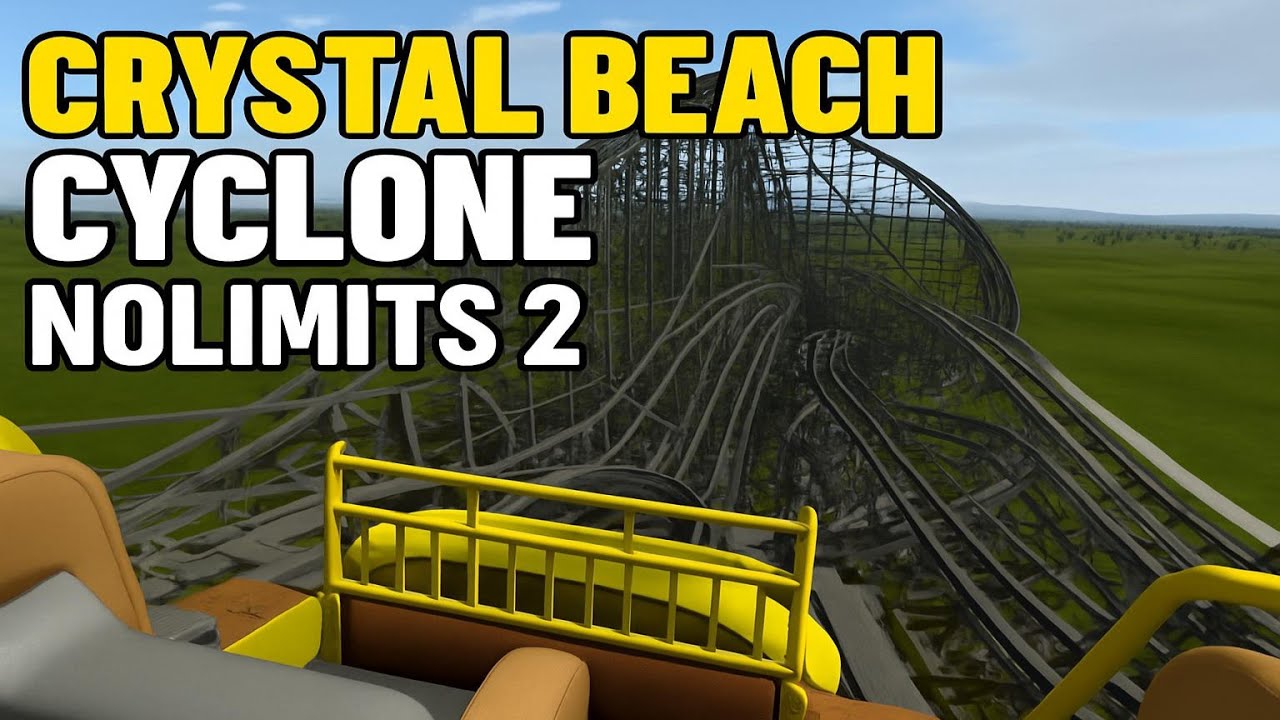
360° NoLimits 2 Roller Coaster Simulation
Playlist by TheGamerBay
Description
NoLimits 2 is a roller coaster simulation and design software that occupies a distinctive niche between video games and professional engineering tools. Released in early access in 2014 and reaching its 2.5 “stable” generation a few years later, the program is the successor to the original NoLimits from 2001. It was developed primarily by German programmer Ole Lange and a small dispersed team, and it reflects a long-standing dedication to realistic coaster physics rather than the management or park-builder focus found in titles like RollerCoaster Tycoon or Planet Coaster.
At its core, NoLimits 2 is a sandbox where users hand-craft coasters element by element and then ride them in real time. The heart of the creation process lies in the Editor, a spline-based modelling environment that allows fine control over every vertex in three-dimensional space. Designers can manipulate track geometry down to hand-tuned banking, roll, and heartline placement, producing layouts that adhere to—or deliberately break—real-world engineering practices. The track types on offer cover most of the industry’s major manufacturers: B&M sit-down, inverted, and wing; Intamin gigas and blitzes; Gerstlauer Euro-Fighters; Mack launches; RMC I-Box hybrids; classic wooden coasters, and many others. Trains feature accurate car spacing, wheel assemblies, and restraint animations, which in turn are governed by a physics engine that calculates forces realistically up to 5–6 g’s. Users can toggle visual overlays that display lateral, vertical, and longitudinal g-forces in real time, facilitating iterative refinement.
Visual fidelity is handled by a custom graphics engine that supports modern DirectX and OpenGL features. Advanced lighting allows for time-of-day changes, dynamic shadows, atmospheric scattering, and per-pixel reflections on shiny coaster rails. While the default scenery toolkit is intentionally minimalist to keep the software lean, there is a full-featured scripting and import pipeline. Designers frequently build custom supports, terrain, themed buildings, and foliage in external software such as Blender or SketchUp, then import them as 3D meshes. A LUA-based script interface can control show elements, triggered audio, animatronics, or mid-course launch sequences, enabling almost cinematic ride experiences.
Though it is sold as entertainment on Steam, NoLimits 2 is often used by industry professionals. Smaller ride manufacturers and engineering firms employ it for early visualization and client pitches. Because the underlying physics match measured data from real coasters within a tight margin of error, engineers can diagnose shaping issues—excessive lateral forces in a rapid transition, for example—before committing to costly physical prototypes. Several parks have even installed VR‐enhanced NoLimits shells in their queue lines, letting visitors preview new attractions.
For enthusiasts, the community ecosystem is part of the allure. User-generated content is shared on forums such as CoasterCrazy, NL2Hub, and various Discord servers. Popular creations spread virally via YouTube ride footage and cinematic fly-throughs. Some designers specialize in hyper-realistic recreations of existing rides, down to matching survey data and support bolt patterns. Others push the medium toward the fantastical: kilometer-long launches on the surface of Mars, or suspended coasters diving through cyberpunk megacities. Weekly or monthly design contests encourage experimentation with constraints like rider comfort metrics or track length budgets.
Modern hardware unlocks further immersion. NoLimits 2 natively supports VR headsets, providing a convincing sense of scale and speed at high frame rates if the user’s PC can sustain them. Motion-platform integration—via third-party plugins—means hobbyists with a 6-DOF rig can ride their virtual coasters with synchronized pitch, roll, and heave cues. At the opposite end, a spectator camera system lets content creators choreograph smooth fly-bys using spline paths and keyframes, essentially turning the simulator into a digital film studio.
The learning curve is steep. The interface exposes technical jargon—heartline offsets, clothoid constants, roll node interpolation—that can intimidate casual players. However, an abundance of community tutorials, YouTube walkthroughs, and downloadable templates help newcomers progress from simple out-and-back wooden designs to complex multi-launch steel layouts. The payoff is a tool that rewards patience and precision, resulting in digital rides that can feel uncannily authentic.
Published:
May 09, 2025